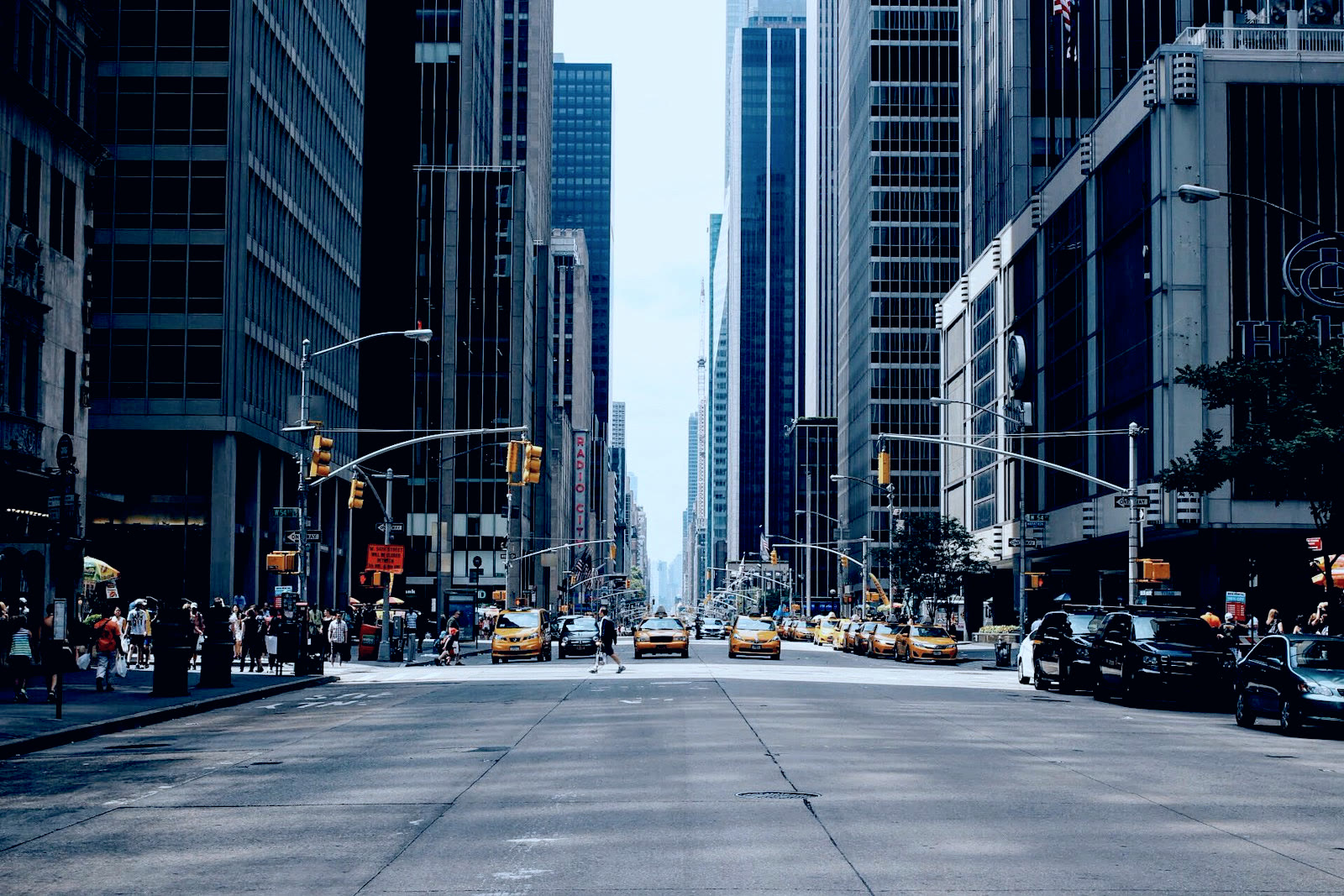
Start with a color direction
Create a LUT from image references without rebuilding every color choice. Borrow a cooler evening mood or warmer highlights, then judge the result on your own photo in the online LUT creator.
Match your referenceUse the LUT generator to match a photo or video frame to a reference. Refine the colors and export a reusable .cube file with this online LUT creator.
JPEG, PNG or WebP · max 20 MB · max 24 MP · EXIF orientation is applied
JPEG, PNG or WebP · pick from the gallery or drop your own
Take your .cube LUT into your editing workflow. These desktop editors support LUT imports.
 DaVinci Resolve.cube import
 Filmora.cube import
 Premiere ProLUT import
 After Effects.cube import
 CapCut DesktopDesktop LUT import
 Final Cut Pro.cube import
Swipe to explore editors
Standard .cube files for your editing workflow
Add a photo or SDR video frame. Give the LUT generator a reference image, or choose a starting look from the gallery.
Run image to LUT matching and compare the preview. Adjust strength, exposure and saturation until the colors suit your source.
Download a .cube file from the LUT generator. Import it into your editor with matching color settings, then apply it to your footage.
Create a LUT from image references without rebuilding every color choice. Borrow a cooler evening mood or warmer highlights, then judge the result on your own photo in the online LUT creator.
Match your reference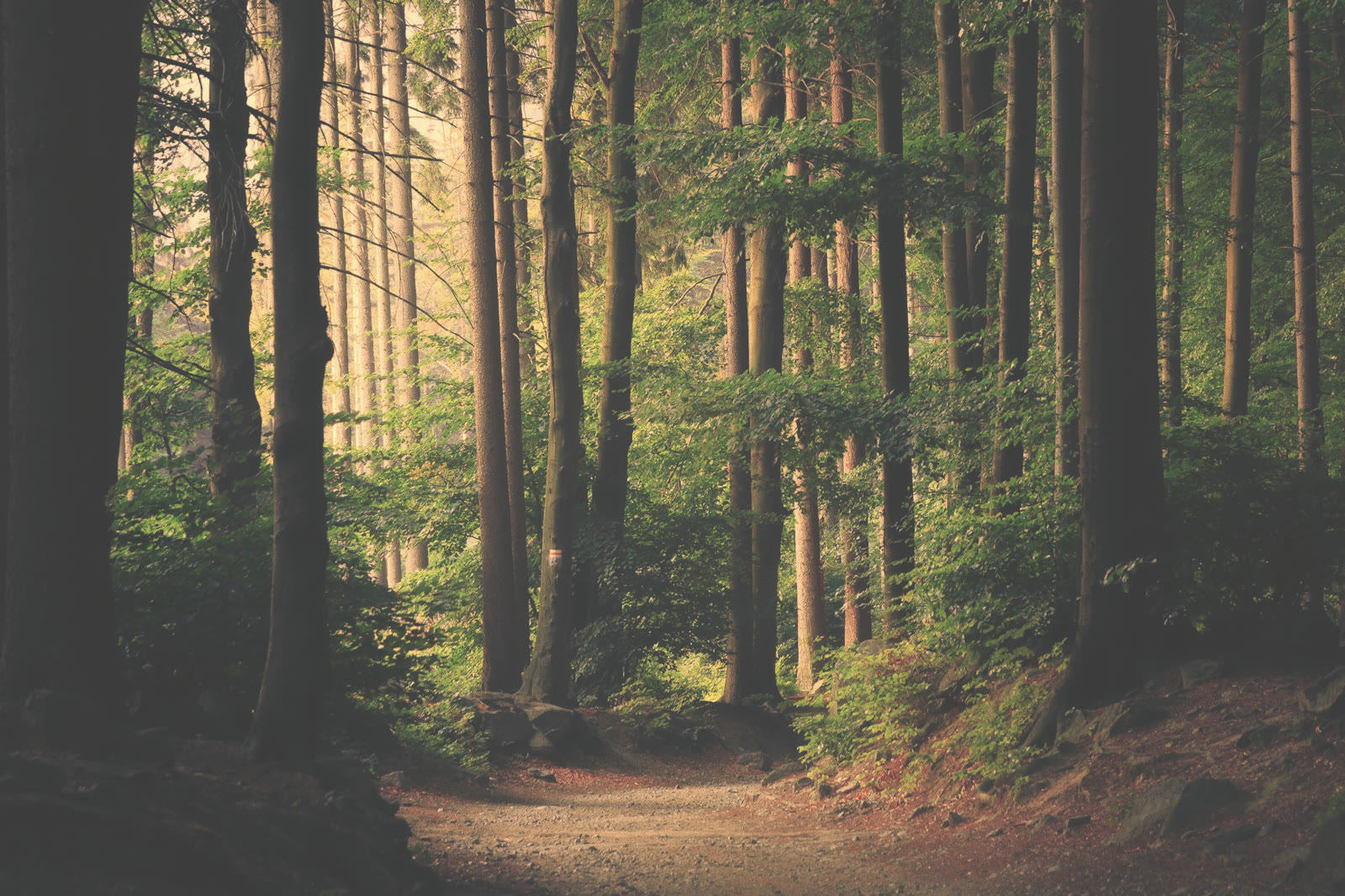
Export a reusable .cube file with the LUT generator. Apply it to footage shot in similar light, then make exposure and white balance corrections for individual clips in your editing software.
Create your look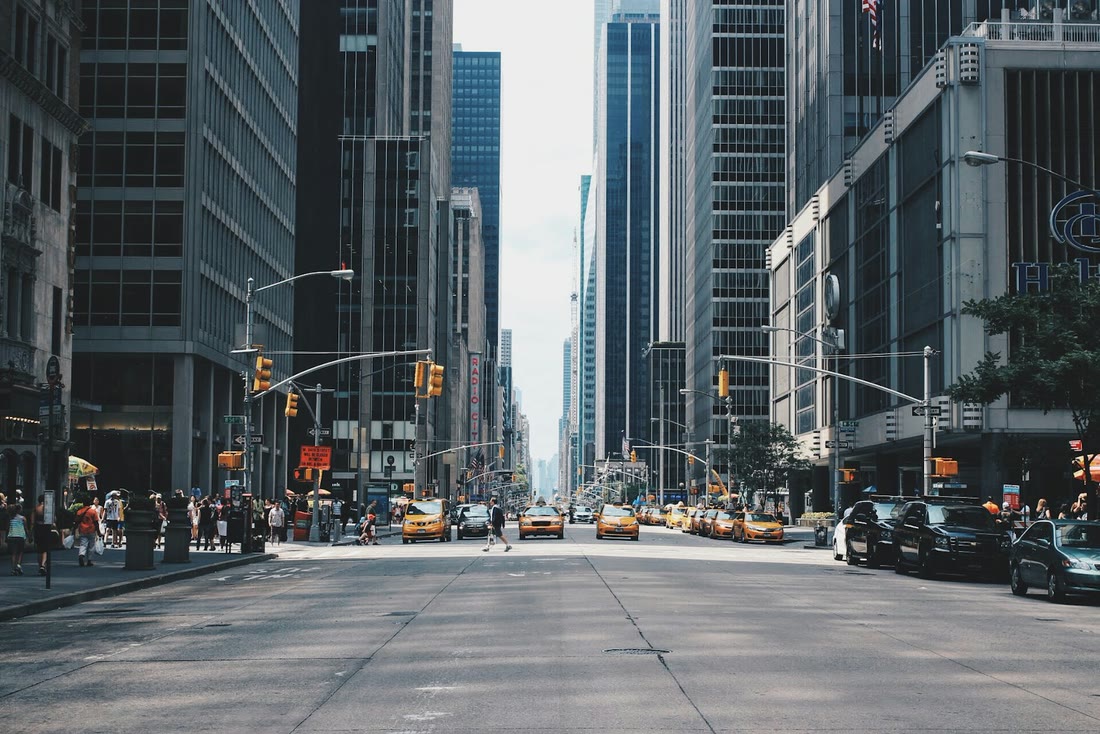
Use the split preview to judge shadows, highlights and skin tones side by side. Reduce strength when a reference overwhelms your source; the LUT generator lets you keep the mood without the full effect.
Compare your colors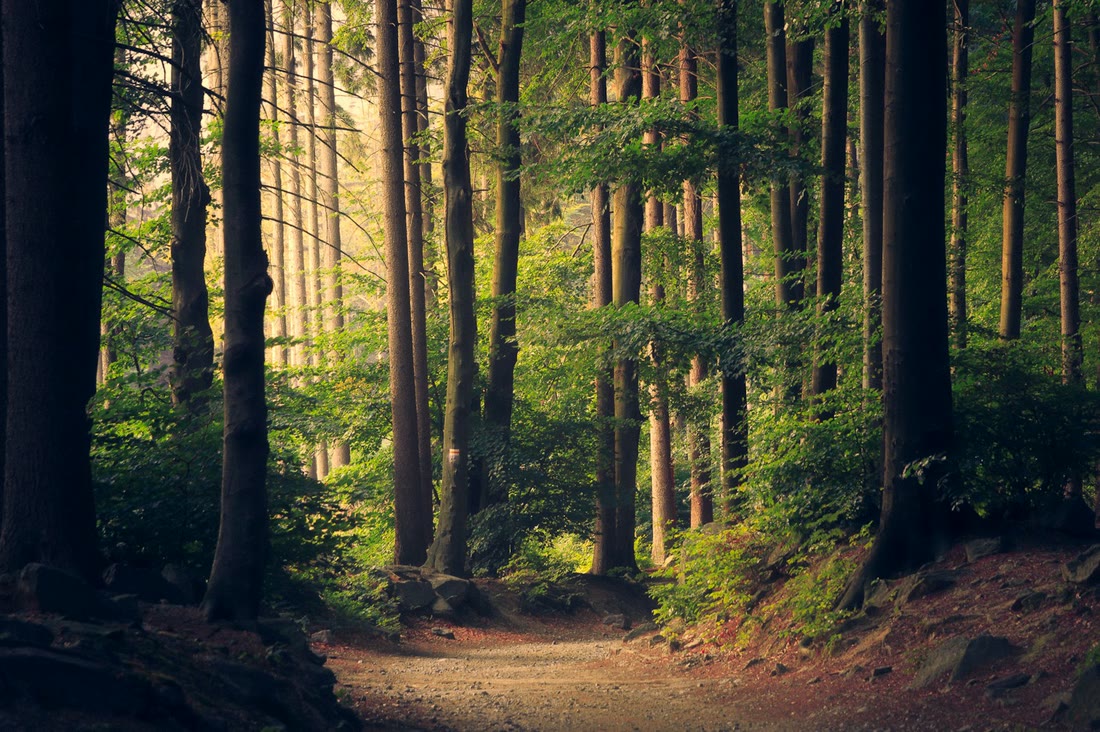
Choose a representative frame from your SDR video and use it as the source. This online LUT creator exports the color transform; your video editor applies it across clips and renders the finished project.
Try a video frame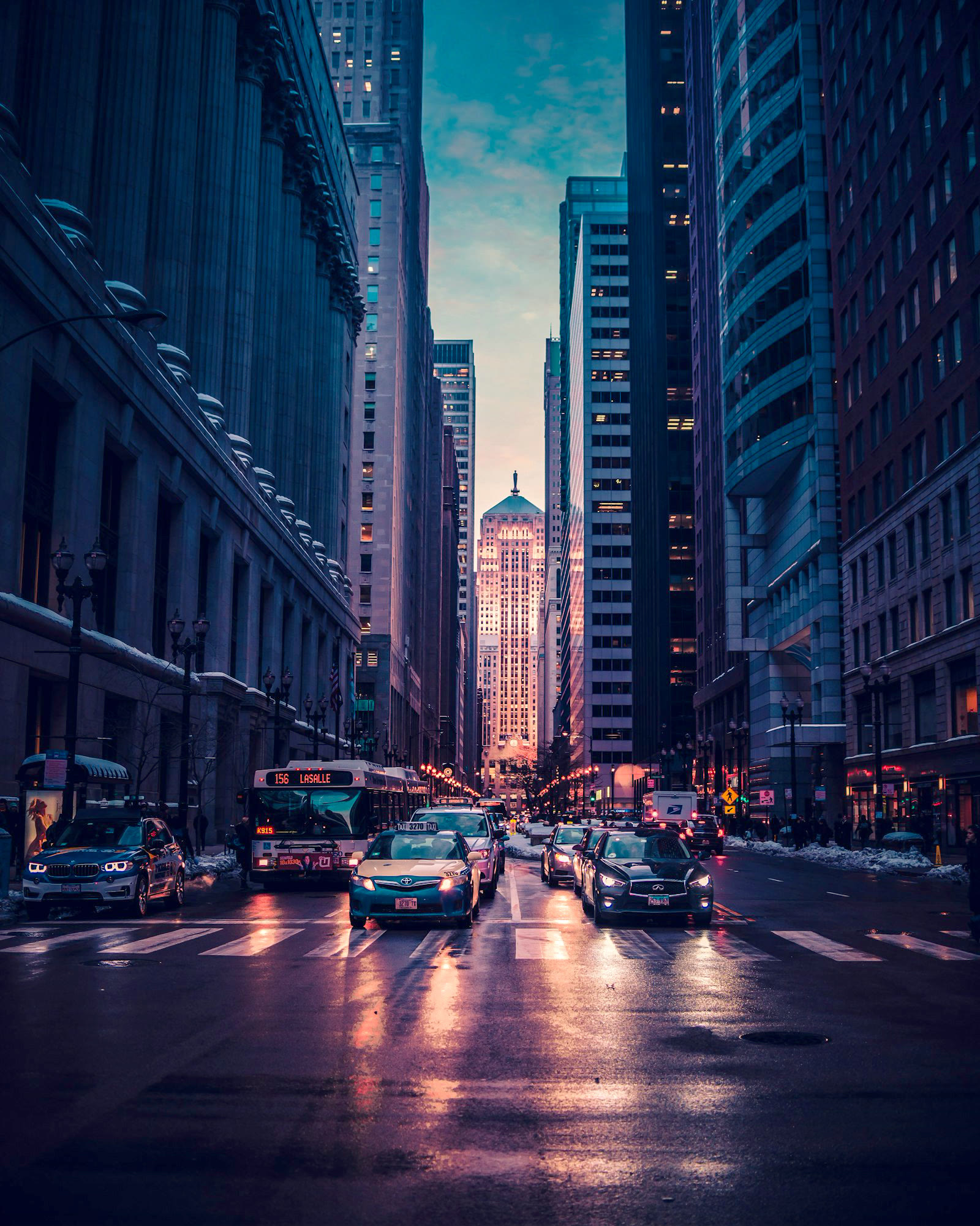
Choose sRGB for photos or Rec.709 Gamma 2.4 for normalized SDR footage. Match your editor settings to the export, and keep a free PNG preview as a visual reference while checking the imported LUT.
Choose your settings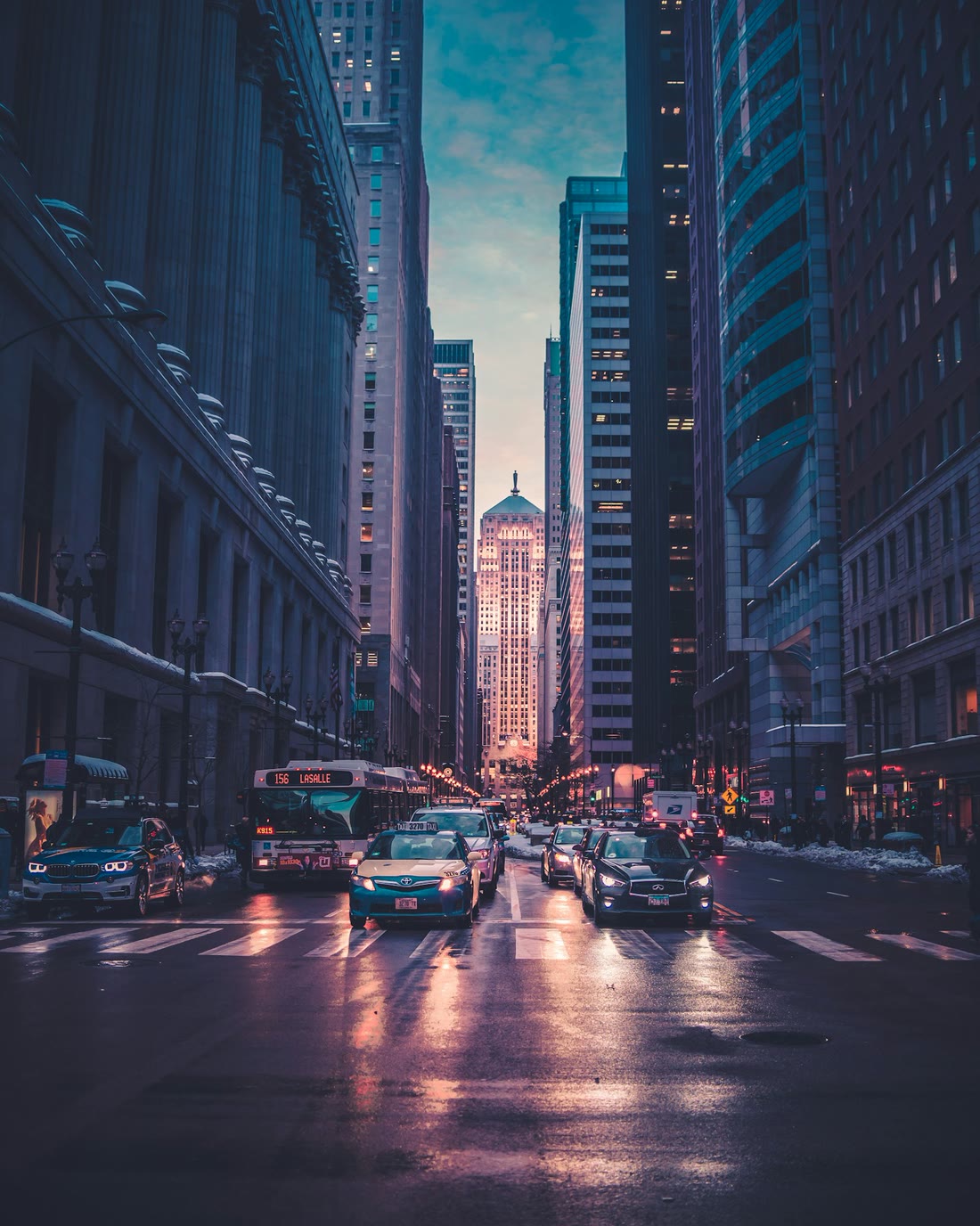
The LUT generator handles matching and previews in your browser. Original photos and videos stay on your device. Only optional AI requests send reduced previews; custom exports send a color table for credit verification.
Explore local matchingThis LUT builder saves your grade as a .cube file at 33 or 65 points. Reuse the look on similar material in your editor.
The LUT generator uses the same color table for preview and export. Your chosen strength and fine-tuning carry into the downloaded file.
Adjust exposure, contrast and saturation yourself, or ask the optional AI assistant for a suggestion. Preview every change before exporting.
Try the online LUT creator with free matching, fine-tuning and PNG previews. Spend a credit only when you export a custom .cube.
Start with a source photo and a reference showing your desired colors. The LUT generator accepts JPEG, PNG and WebP images up to 20 MB and 24 megapixels each. Use a source that represents the material you plan to grade, so the preview helps you make a useful decision.
Choose similar lighting and subject matter, with visible detail in shadows and highlights. For image to LUT matching, a balanced reference usually gives you a more useful starting point than a heavily filtered image. Compare skin tones or neutral objects, then reduce strength if the borrowed color style overwhelms your source.
No. You can approximate the global color style, but you cannot extract a LUT from an image and recover the original editing decisions exactly. The LUT generator creates a new transform from your source and reference. Grain, blur, masks and selective retouching are not stored in a 3D LUT.
Upload an SDR H.264 MP4 up to 100 MB and 60 seconds. Choose a frame that represents the clip, match it to your reference, then refine the preview. Export a .cube or PNG from the LUT generator; apply the LUT and render the finished video in your editing software.
Normalize camera Log, HLG or PQ material to Rec.709 in your editor first. The online LUT creator’s Rec.709 option produces a Gamma 2.4 creative look for normalized SDR footage. It is not a camera conversion LUT, and choosing that option does not automatically normalize an uploaded Log image.
Start with 33 points when you want a smaller file and broad editor support. Both grid options in this LUT generator sample the same color transform; 65 points gives a denser table and a larger file. Check your editor’s import requirements rather than assuming a larger grid always improves the look.
Import the downloaded file as a 3D LUT or custom look in your editor. Match the color-space settings used for export and compare against your PNG preview. If the imported grade differs, check input tags, gamma and interpolation. The software logos above link to vendor information about LUT support.
The core LUT generator matches references locally in your browser. If you are looking for an AI LUT generator, the optional assistant adds a different role: it suggests adjustments from your request and reduced previews. Review the suggested colors yourself; AI assistance does not guarantee an exact reference match.
Local matching keeps original photos and videos in your browser. A custom export sends the .cube text for server verification. If you request AI assistance, reduced previews up to 768px, adjustment parameters and your text are sent to the AI provider; original files, filenames and EXIF are not sent.
Try a sample or add your own images to the online LUT creator. Matching, fine-tuning, PNG downloads and library presets are free. Custom workbench exports and successful AI requests use credits. Check the pricing page for allowances and trial-pack details; real payments are not active yet.
Bring a reference and see its color style on your own image. Start with a sample, refine the result and keep a look for your next edit.
Try the LUT generator